Karsh Family Social Service Center, via Nonprophet AI · 2025–present
Karsh Command Center: AI coaches built on one nonprofit’s own knowledge
Designed a custom suite of eight AI coaches for a Los Angeles social service center, grounded in its own strategic plan, policies and voice.
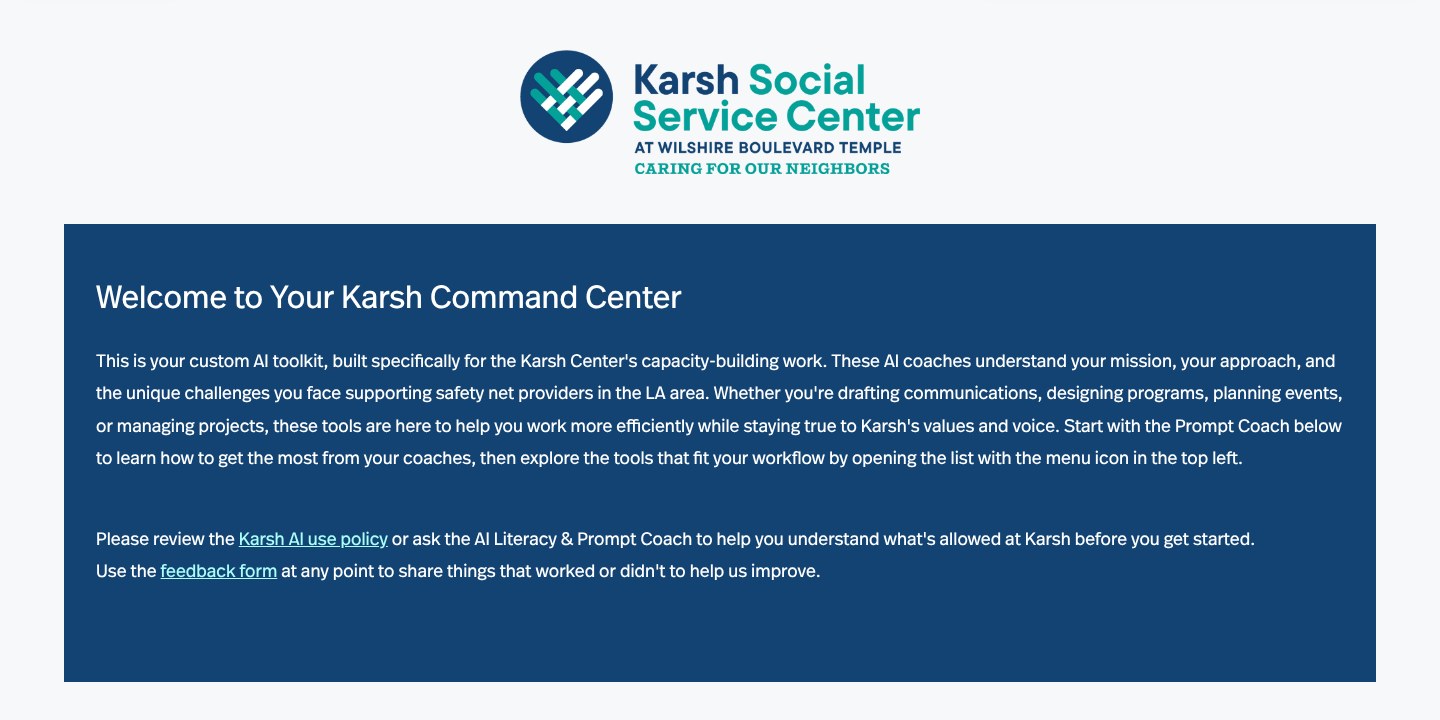
The Karsh Center is a social service hub in Los Angeles, serving families in and around Koreatown and Mid-Wilshire with food, legal aid, health and family support. Through Nonprophet AI, I designed the Karsh Command Center: eight AI coaches built on the center’s own strategic plan, policies and voice, so staff get help that already understands their work.
The problem
Karsh staff were stretched. Federal changes were raising demand and fear among the people they serve, competition for local funding was growing, and burnout was rising across the sector, especially in service delivery and data reporting roles.
General AI tools could help, but they knew nothing about Karsh. Staff would have to explain the center’s mission, programs, policies and brand every time, and check that the output matched Karsh’s values. The center also needed AI use that protected client privacy and fit its own AI use policy.
My role
I co-founded Nonprophet AI with Mike Mitchell, and we built the Karsh Command Center on our Capacity Command Center model. Mike and I wrote the coaches’ system prompts together. I led most of the setup: configuring each coach and its user experience, designing the conversation guides that shape how each coach gathers the information it needs, and setting up the connectors and system actions behind them.
Approach
Built on Karsh’s own knowledge. We built a knowledge base from the center’s own documents: its 2025–2028 strategic plan, theory of change, policies, brand book and the team’s working-style profiles. Every coach draws on that context, so staff start from Karsh’s mission and voice, not a blank prompt.
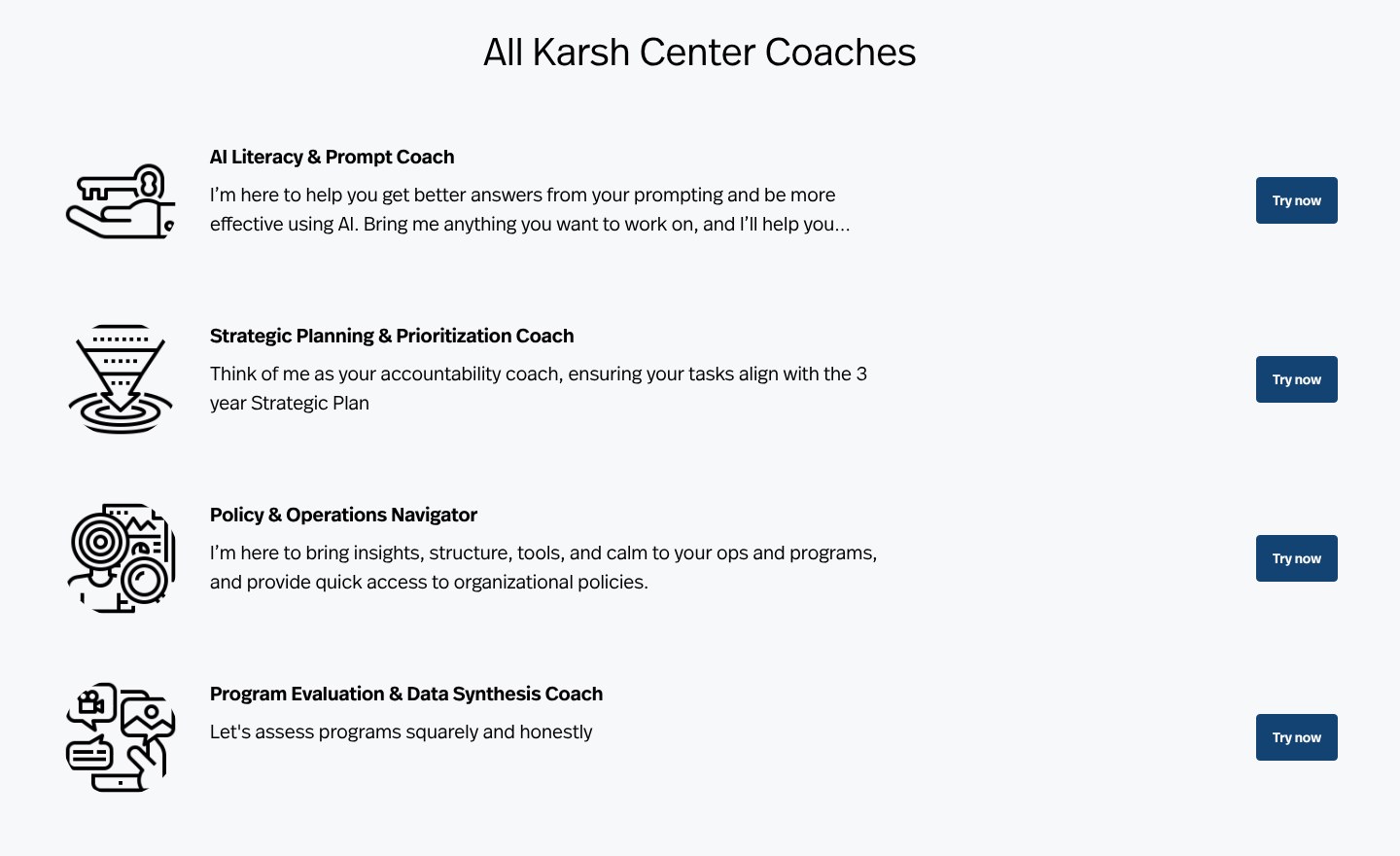
Coaches for the work staff already do. Together, the coaches cover the six focus areas of Karsh’s strategic plan, from programs and evaluation to volunteers, communications, operations and staff culture:
- AI Literacy & Prompt Coach: helps staff write better prompts and understand what Karsh’s AI use policy allows.
- Strategic Planning & Prioritization Coach: an accountability coach that checks tasks against the three-year strategic plan.
- Policy & Operations Navigator: quick access to organizational policies, plus structure for operations and programs.
- Program Evaluation & Data Synthesis Coach: helps staff assess programs honestly and pull together data for reporting.
- Volunteer Program Design Partner: designs new volunteer roles and programs before launch, so they’re sustainable.
- Supervisor & Leadership Development Coach: helps managers work through supervision and leadership situations.
- Event Planning Coach: plans community gatherings, volunteer celebrations and donor events.
- Communications & Storytelling Coach: collects stories and drafts multilingual newsletters, social posts, press releases, flyers and impact stories.
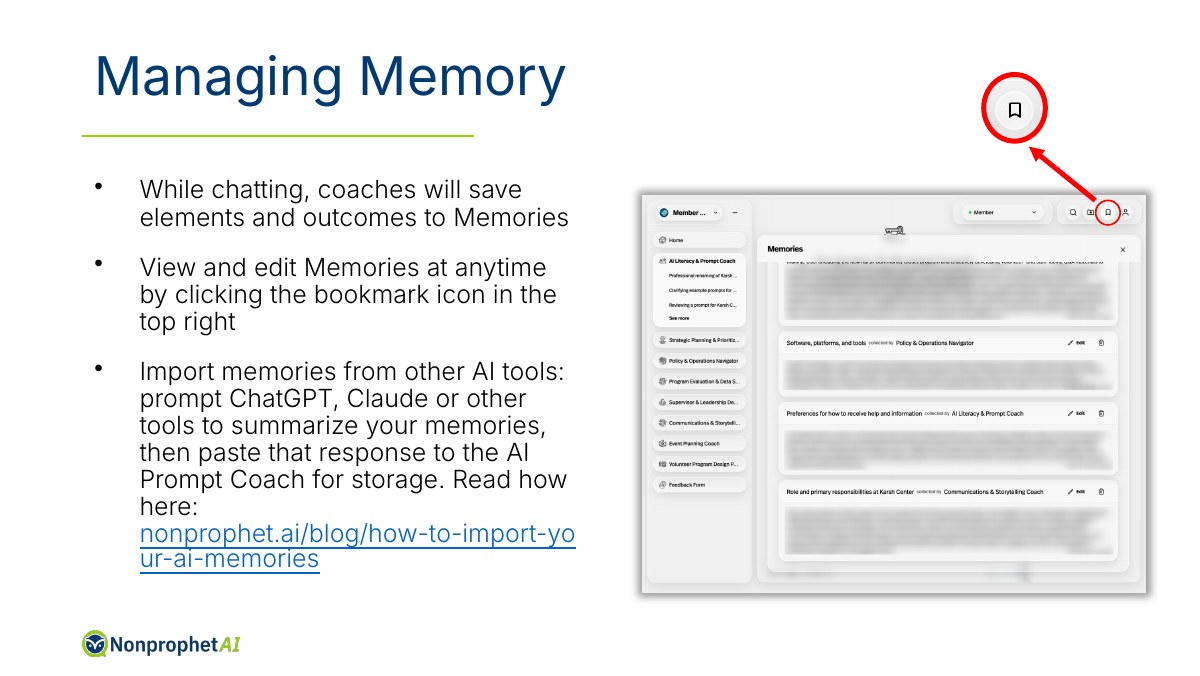
Conversations that gather what the coach needs. Staff often don’t know what context a coach needs to give a useful answer. For each coach, I designed a conversation guide: the questions it asks first, in what order, and when it has enough to start helping. The Volunteer Program Design Partner, for example, opens by asking whether you’re designing a new role or improving an existing program. I also set up the connectors and system actions each coach uses: connecting to Karsh’s projects in monday.com, generating ready-to-send emails and PDFs, working with staff documents and saving useful context to memory. Coaches don’t stop at advice; they produce the work staff need next.
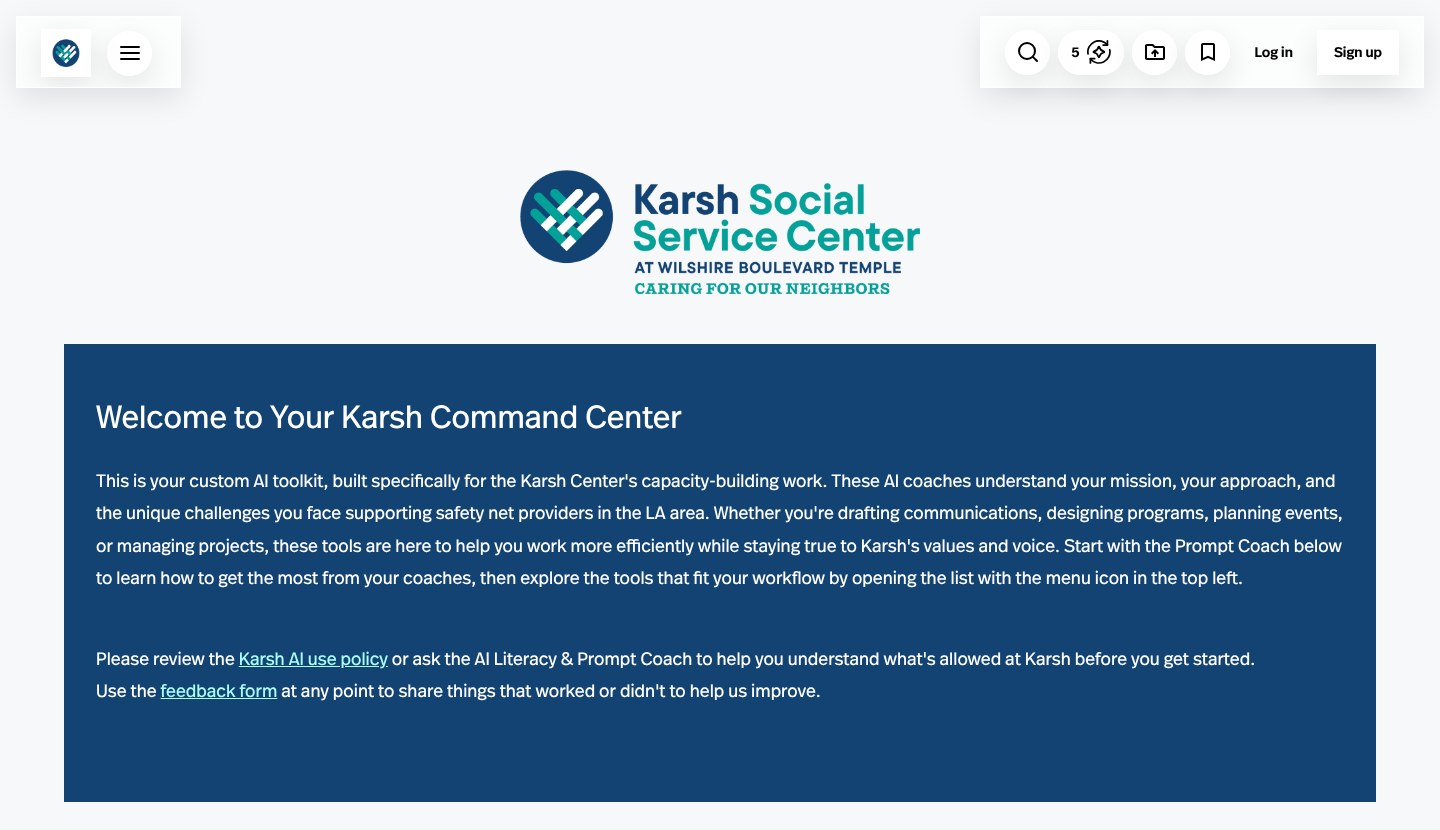
A guided first step. The portal opens on the AI Literacy & Prompt Coach, with a link to Karsh’s AI use policy and a feedback form. New users learn how to work with AI before they explore the specialized coaches, and they know the rules from the start.
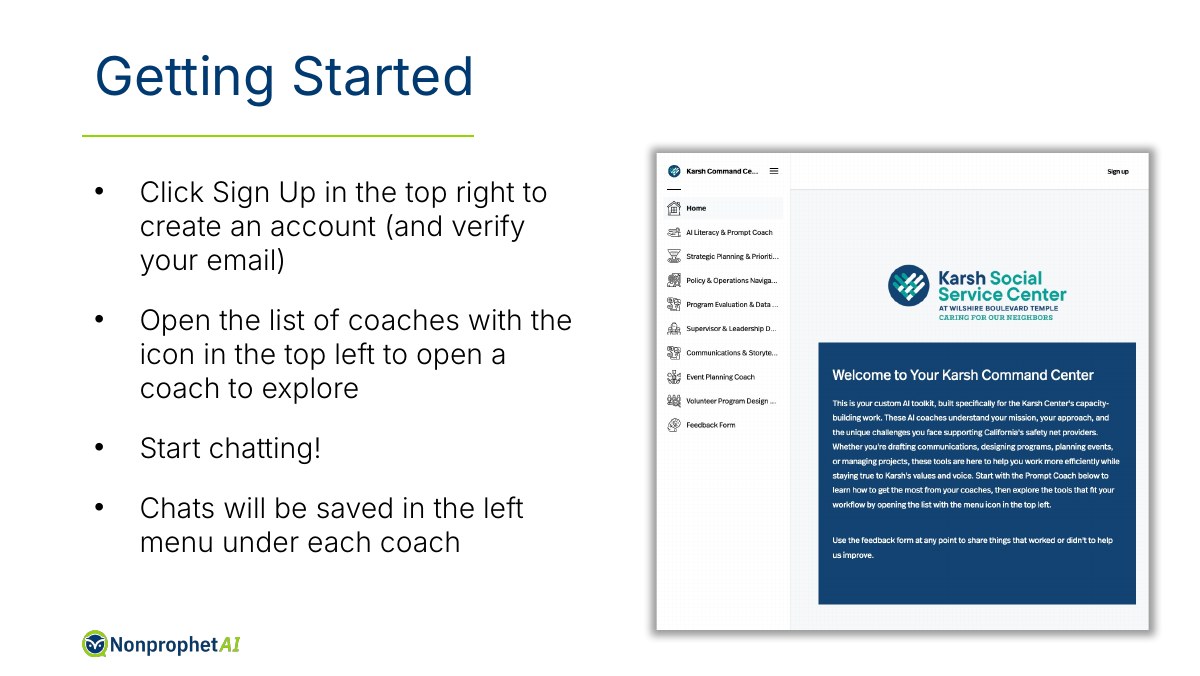
Onboarding designed for adoption. Tools only help if people use them, so we designed onboarding that keeps AI from feeling like another task on the pile. Staff got a getting-started session, a short guide, regular emails to guide their first few tasks and office hours two weeks after launch. The guidance sets clear expectations: review every output before using it, and share what’s working with the rest of the team.
A feedback loop. Every coach has thumbs-up and thumbs-down feedback, plus the portal’s feedback form. We review the responses staff flag and refine each coach’s instructions, most often for the Communications & Storytelling Coach, where Karsh’s voice matters most.
Outcomes
- Eight custom coaches live for the Karsh staff team, launched in March 2026.
- Every coach grounded in Karsh’s own strategic plan, policies and brand, on enterprise-grade AI that protects client data.
- Coaches connected to monday.com and able to generate emails and PDFs, so staff leave a conversation with work they can use.
- Staff onboarding with a getting-started session, guided emails, office hours and an ongoing feedback loop.
Reflection
The coaches were the easier part. Adoption depended on onboarding that made AI feel like support, not another thing to learn on top of a full caseload, and on a fast way for staff to tell us when a coach missed. For a small team, the feedback loop does as much as the first version of any coach.